Introduction
Building a Password Strength Checker Tool might look simple on the surface, but the idea actually came from a real mistake I made. One day, I received a login attempt alert from an unknown device — and that’s when I realised how weak and repetitive my passwords were. That incident pushed me to build a tool that not only checks password strength but explains why it is weak and how to fix it.
This post explains the logic behind my tool, the scoring system, and how beginners can create stronger passwords using simple principles.
Why Password Strength Matters More Today
Most people still believe that passwords get hacked because someone “guessed” them. In reality, modern attackers never sit and guess anything manually. They use highly advanced techniques and automated systems capable of testing millions of password combinations in seconds.
- Automated brute-force tools
- Dictionary attacks
- Leaked credential databases
- AI-driven cracking models
Because of these advancements, a weak password doesn’t take hours or minutes to break — it can be cracked in milliseconds with the right tools.
That’s why a password strength checker is more than just a “tool.”
It acts like a mirror, revealing exactly how risky your password is before an attacker discovers it first.
Reusing passwords across accounts is the biggest security mistake beginners make.
What Makes a Password Strong?
A truly strong password isn’t just something “hard to guess.” It follows a combination of rules that make it resistant to brute-force attacks, dictionary attacks, and modern AI-driven cracking techniques. A secure password should check all of the following boxes:
- Long — ideally 12–16+ characters
- Random — no predictable patterns
- Mixed characters — uppercase, lowercase, digits, symbols
- Non-personal — no names, dates, phone numbers
- Not from any dictionary
- Not reused across sites
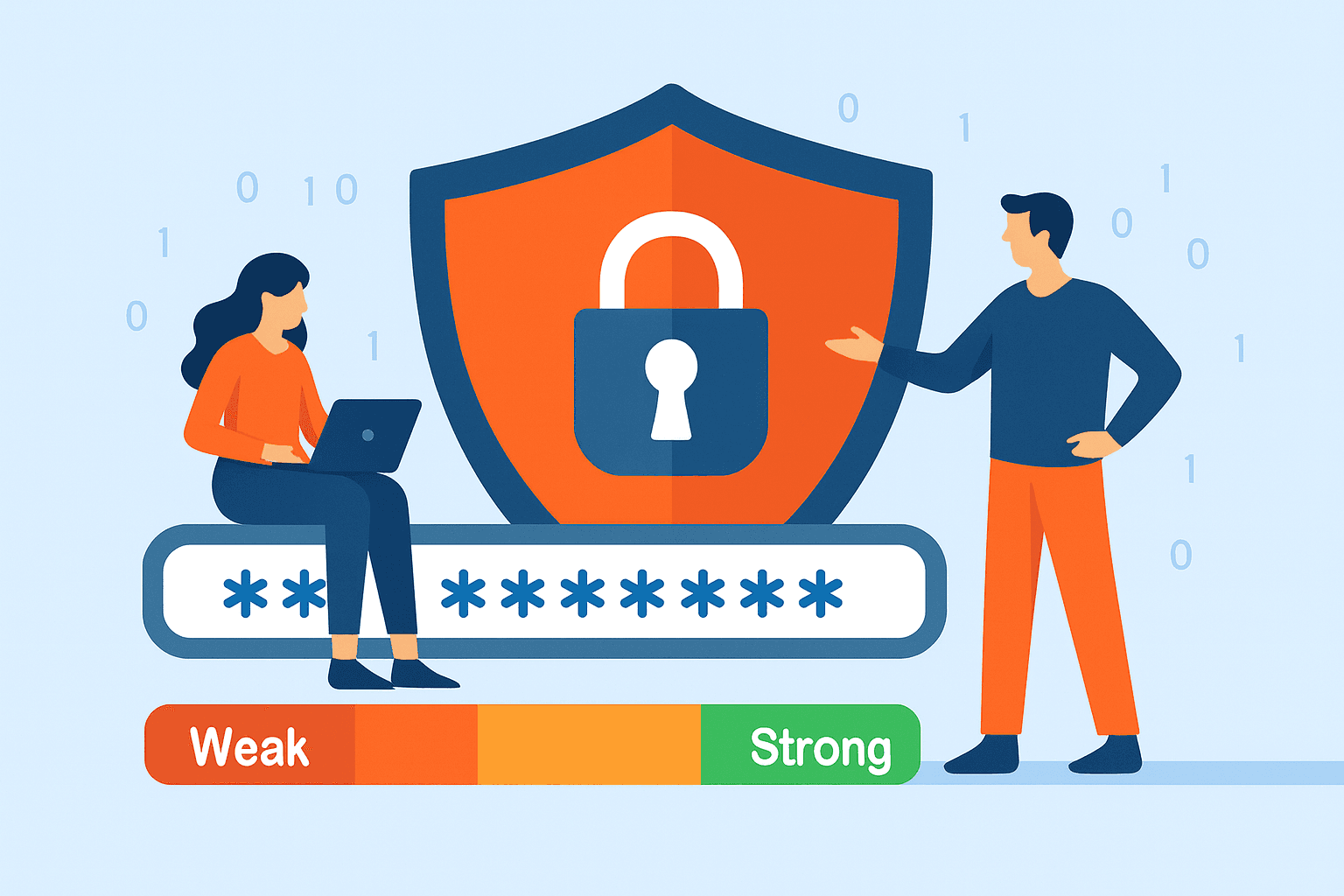
How Password Strength Checkers Actually Work
Here is the simplified logic behind most online password strength checkers — including the one I built. While the underlying code can get technical, the core process is easy to understand. These tools follow a structured scoring system to analyze your password’s length, variety, patterns, and overall unpredictability, allowing users to instantly see how secure their password really is.
1. Length Check
| Length | Strength |
|---|---|
| < 6 chars | Very Weak |
| 6-10 chars | Medium |
| 10+ chars | Strong |
2. Character Variety
Points are added if the password includes:
- Uppercase letters
- Lowercase letters
- Numbers
- Symbols
3. Pattern Detection
The algorithm detects:
- Repeating characters like 'aaaaaa'
- Sequential patterns like 'abcd1234'
- Keyboard patterns like 'qwerty'
4. Dictionary Lookup
My tool includes a small dictionary list of commonly breached passwords:
- 'password', 'password123'
- 'qwerty', 'qwerty12345'
- 'admin', 'letmein', 'iloveyou'
5. Final Score Calculation
A simple weighted scoring system decides whether the password is:
- Weak
- Medium
- Strong
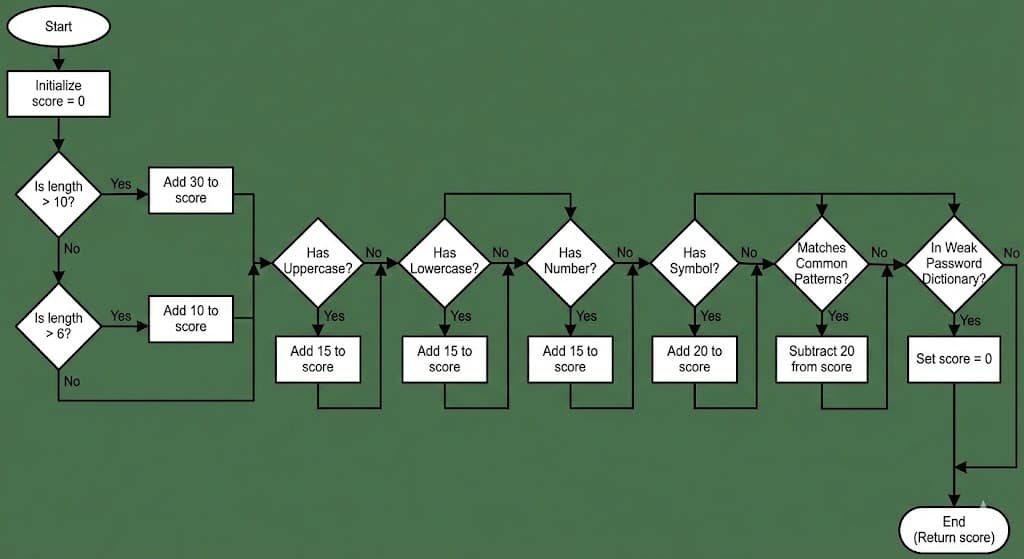
The Scoring Algorithm I Used (Beginner-Friendly Breakdown)
Here's a simplified pseudocode version of the logic in my checker:
 score = 0

 if length > 10:
     score += 30
 elif length > 6:
     score += 10

 if hasUppercase:
     score += 15
 if hasLowercase:
     score += 15
 if hasNumber:
     score += 15
 if hasSymbol:
     score += 20

 if matchesCommonPatterns:
     score -= 20
 if inWeakPasswordDictionary:
     score = 0

 return score
Why this works:
- Longer passwords get exponential difficulty
- Symbols add much more entropy
- Dictionary hits immediately reduce the score
- Pattern detection prevents "fake strong" passwords
How I Built It: Step-by-Step (Simplified)
Even if you’re not a developer, this breakdown gives you a clear idea of how the tool actually works behind the scenes. It simplifies the technical logic into steps that anyone can understand, so you can see exactly how each part of the password is evaluated and why certain patterns or characters make a password stronger or weaker.
1.Created a simple HTML input box
<input type="password" id="pwd" placeholder="Enter your password" />
2.Added JavaScript for real-time analysis
Each time a user types, the script recalculates:
- Length score
- Character variety
- Pattern checks
- Dictionary comparison
3.Displayed a Live Strength Bar
<div id="strength-bar"></div>
With CSS color changes:
- Red → Weak
- Yellow → Medium
- Green → Strong
4.Added Instant Suggestions
Instead of only showing a score, the tool displays:
- "Add at least 2 symbols"
- "Increase length to 12+ characters"
- "Avoid dictionary words"
Users understand exactly how to improve their passwords.
5.Ensured 100% Privacy
No password is sent to any backend server.
The entire logic runs in your browser (client-side), so nothing is stored or logged.
How to Create a Strong Password (Simple Formula)
One of the easiest and most reliable ways to build a strong password is by using the 3-Word Method. Instead of relying on short, complicated strings that are hard to remember, this method focuses on combining three completely unrelated words to create a long, unpredictable phrase. When you add symbols and numbers to this structure, the password gains massive complexity while still staying memorable. This approach gives you the perfect balance of length, randomness, and human usability, making it extremely difficult for attackers or automated cracking tools to break through — even with modern brute-force or dictionary-based attacks.
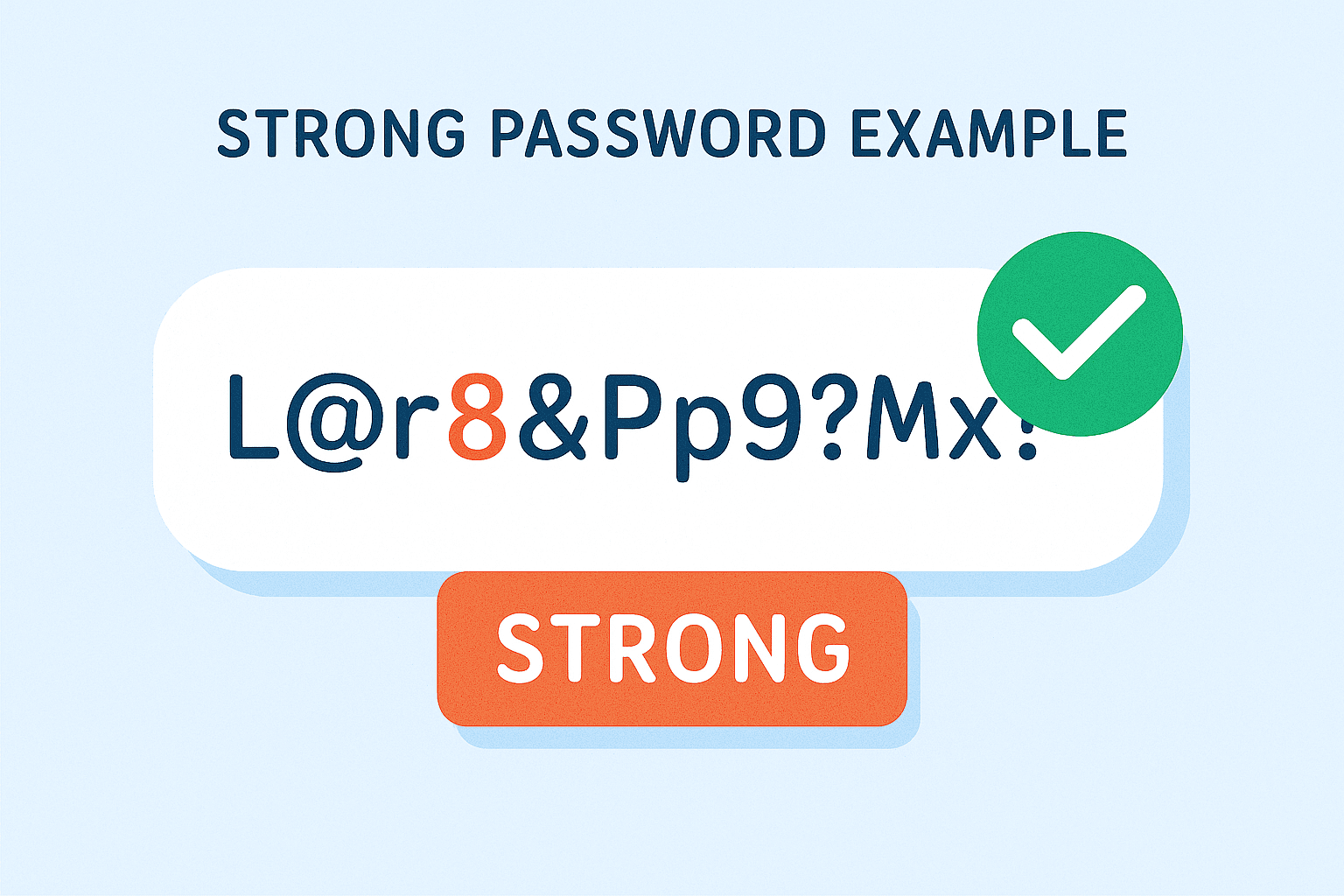
3 random words + symbols + numbers
 Example:
 Zebra&Xbow92!Fish
Why this works:
- High entropy
- Difficult to guess
- Easy to remember
- Extremely hard to brute-force
Final Thoughts
I built this password strength checker after a single weak password nearly exposed my entire account. That experience showed me how common these mistakes are and how easily attackers can break simple or repeated passwords.
This tool is designed to be beginner-friendly, completely privacy-safe, and accurate. It doesn’t just rate your password as “Weak” or “Strong” — it explains why your password is vulnerable and gives clear, actionable suggestions to improve it instantly. Most online checkers fail to provide this level of guidance, so my goal was to create a tool that helps users understand password security while strengthening their online safety.
If you want to try the tool yourself, Click here.
Stay safe and choose strong passwords.

